
Don't Archive, Just Clip.
Clip valuable AI responses with one click. Auto-organized by AI, synced to Obsidian or Notion — your knowledge, always searchable.
The Obsidian plugin is currently awaiting community review. Install now via BRAT →·GitHub
Everything you need, nothing you don't
From clipping to syncing to AI organization — six features to complete your knowledge workflow.
One-Click Clip
Clip any AI response from ChatGPT, Gemini, Claude, or Grok with a single click in your browser.
Multi-Sync
Sync to Obsidian, Notion, or Webhook. Your clips arrive as clean Markdown in the tool you prefer.
AI Auto-Organize
Auto-generated titles, tags, and summaries. Smart folders route each clip to the right place.
Privacy First
Chat content is stored temporarily and auto-deleted after syncing to your vault. Your knowledge stays yours.
Mobile Ready
Clip on the go with iOS Shortcuts and Android HttpShortcuts integration.
Works Offline-ish
Clip even when Obsidian isn't running. The plugin pulls pending clips the next time you open it.
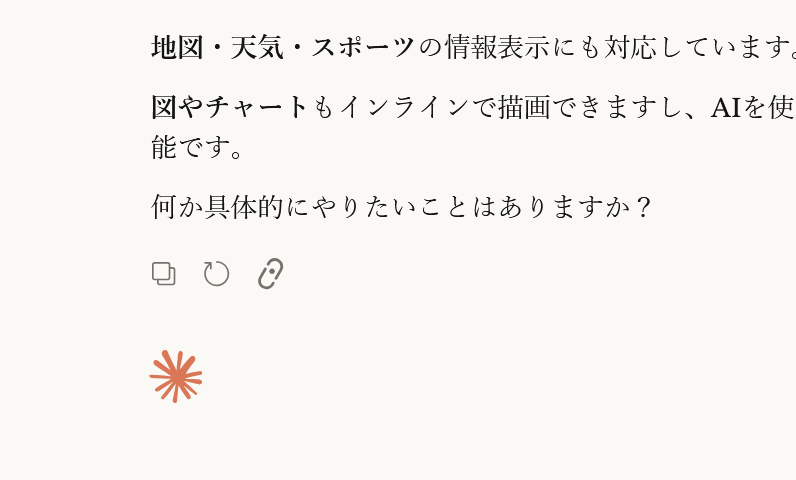
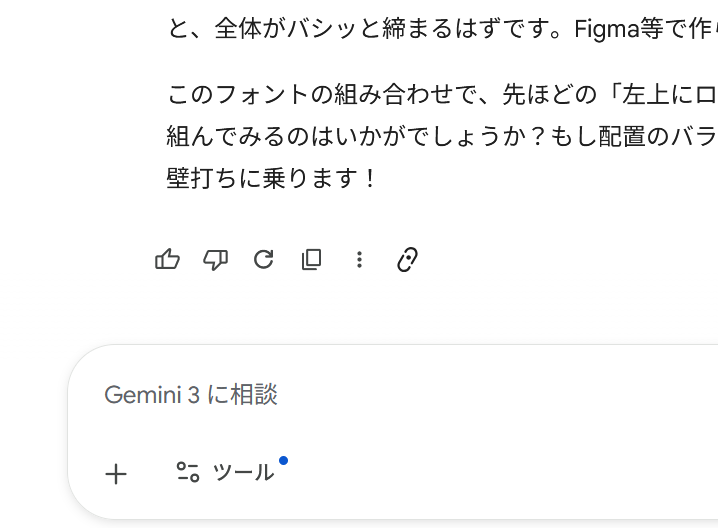
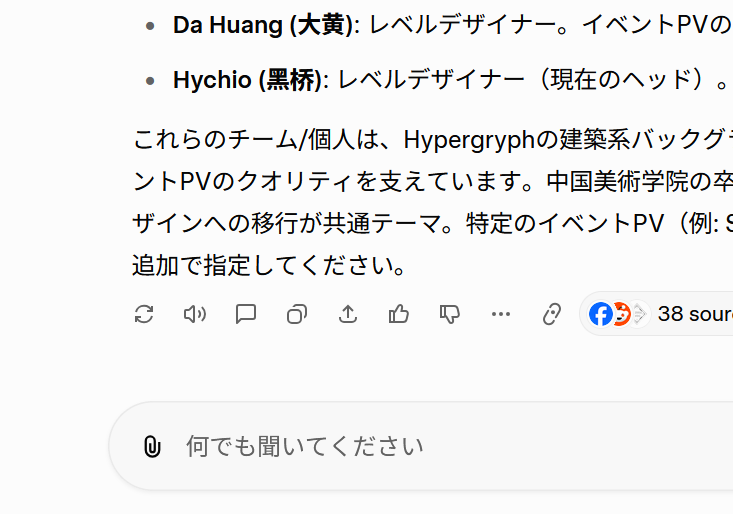
Icons that blend into the native UI
The clip icon sits alongside each AI tool's native action icons — copy, rate, share — without disrupting the interface. No garish buttons that break the site's design harmony.
Sync anywhere, in Markdown
Clipped content arrives as clean Markdown with frontmatter, synced automatically to Obsidian, Notion, or Webhook. Properly formatted, every time.
AI structures your clips automatically
Every clip gets an AI-generated title, tags, and summary. Semantic folder routing places it exactly where it belongs. Your knowledge organizes itself.
Clip from anywhere
Works with iOS Shortcuts and Android HttpShortcuts. Share a URL from your phone and it lands in your knowledge base — no browser extension needed.
Get Started in 3 Steps
Setup is simple. Start clipping right away.
Install
Install the browser extension and Obsidian plugin
Clip
Save AI chat responses with one click
Sync
Automatically organize and sync to Obsidian or Notion
Let AI organize your knowledge
Pro takes the manual work out of building your second brain. Clip it, and AI handles the rest.
Auto Tags, Titles & Smart Folders
Every clip is automatically tagged, titled, summarized, and placed in the right folder — powered by AI.
Weekly Digest
Get a weekly AI summary of everything you clipped — delivered as a Markdown note to your vault, Notion, or email.
Your conversations with AI are a trail of your thinking.
Every question you asked, every problem you wrestled with, every moment of clarity. It's more than work — it's a diary of your mind. AIChatClip quietly preserves each one.
Ready to Clip?
Start free and turn AI conversations into lasting knowledge. Try Pro free for 14 days.