
Features
Everything AIChatClip has to offer
Works with every major AI chat
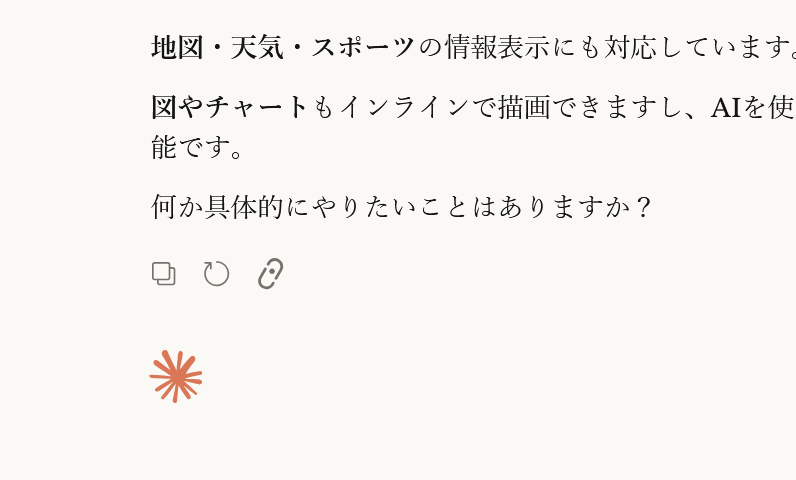
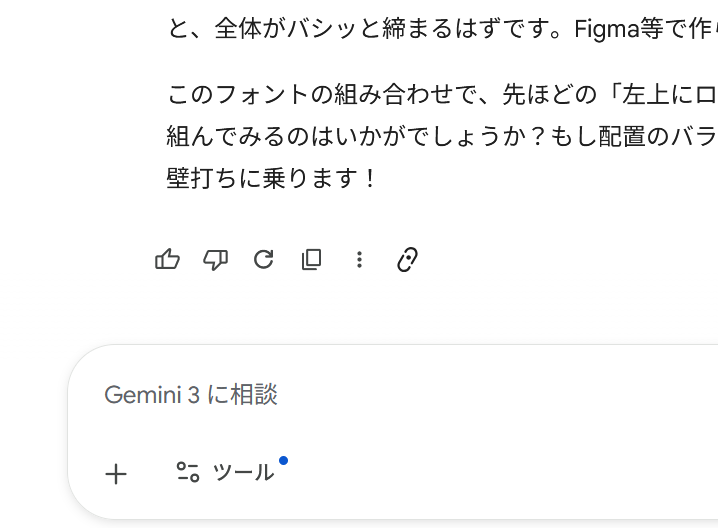
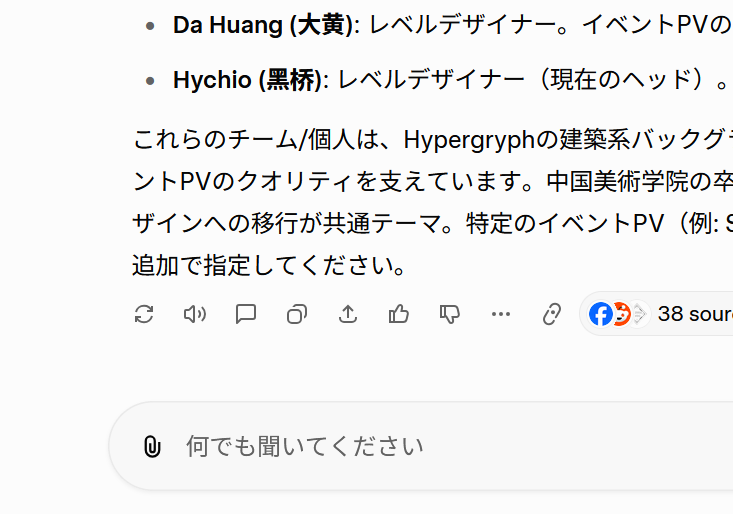
The clip icon sits naturally inside Claude, Gemini, Grok, and ChatGPT's native UI — always there, never in the way.
From a single clip to a living knowledge base
Icons that blend into the native UI
The clip icon sits alongside each AI tool's native action icons — copy, rate, share — without disrupting the interface. No garish buttons that break the site's design harmony.
Sync anywhere, in Markdown
Clipped content arrives as clean Markdown with frontmatter, synced automatically to Obsidian, Notion, or Webhook. Properly formatted, every time.
AI structures your clips automatically
Every clip gets an AI-generated title, tags, and summary. Semantic folder routing places it exactly where it belongs. Your knowledge organizes itself.
Clip from anywhere
Works with iOS Shortcuts and Android HttpShortcuts. Share a URL from your phone and it lands in your knowledge base — no browser extension needed.
The quiet things that matter
Your chats stay yours
Clips live on our server only long enough to reach your vault. Once synced, they're deleted automatically — never used for training, never shared.
Clip even when Obsidian is closed
Offline clips queue safely and sync the moment you open Obsidian next. You never have to interrupt your flow.
A Monday-morning recap of everything you learned
Every Monday, AI distills the past week of clips into one Markdown note with top topics and highlights — delivered to your vault.
Plan Comparison
| Free | Pro | |
|---|---|---|
| Clip AI responses to Obsidian | ✓ | ✓ |
| Prompt + response saved as-is | ✓ | ✓ |
| Fixed Inbox folder | ✓ | ✓ |
| Unlimited clips | ✓ | ✓ |
| Auto tags & title generation | — | ✓ |
| Summary in frontmatter | — | ✓ |
| Smart folder placement | — | ✓ |
| Weekly Digest | — | ✓ |
Worth a try
Free, unlimited clips. Pro is free for 14 days — no card required upfront.